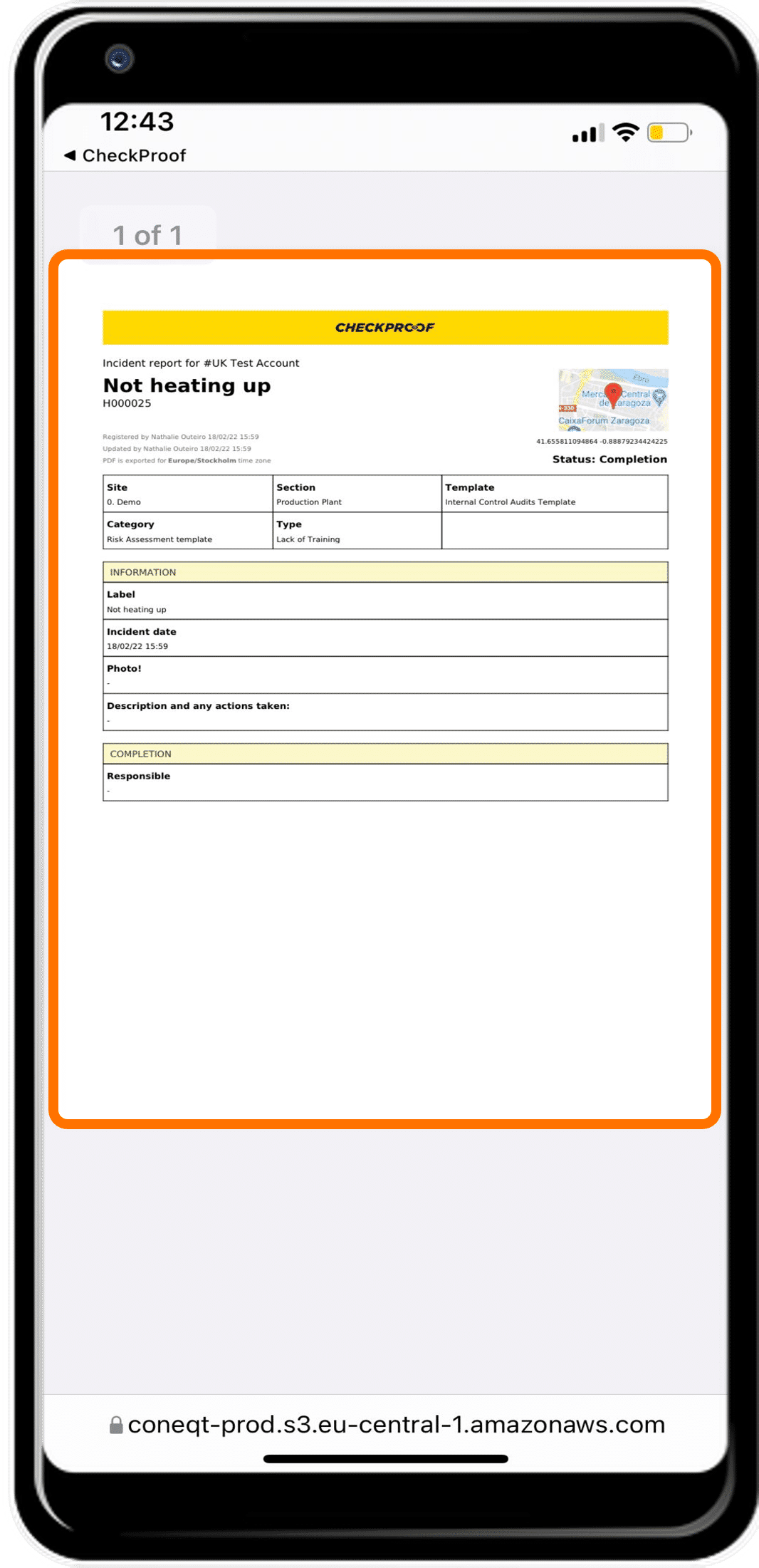
Viewing an Incident Report
When an incident occurs, it can be useful to download and view the incident report.
Let’s learn how to download an incident report from the CheckProof app.

Click the “Incidents” button.
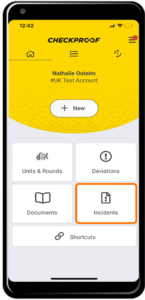
From the homepage, click the “Incidents” button.
Now choose the incident.
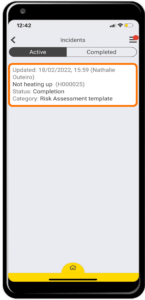
On this page you will see a list of incidents. Select the incident that you want the report for.
Download the incident as a PDF.
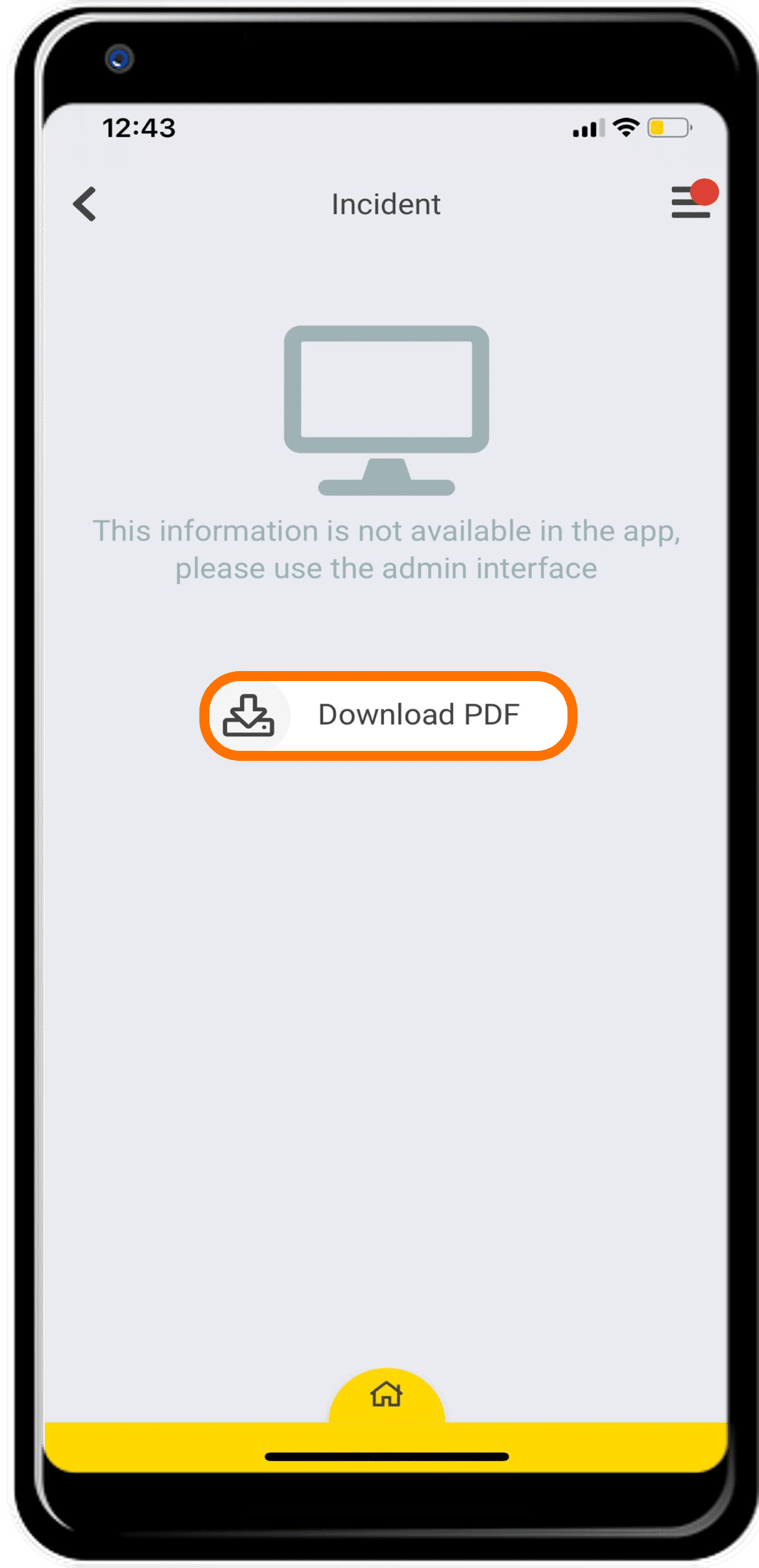
Now click the “Download PDF” button to begin the download
Great! You have successfully downloaded an incident report. This will be saved to your device as a PDF document.