
Calendar
To start using the planning tool feature, it needs to be enabled from CheckProofs side
on your account. A synchronization of data will then be made to move all existing tasks to our new service. It is adviced not to create new intervals etc during the synchronization, which can last for several minutes.
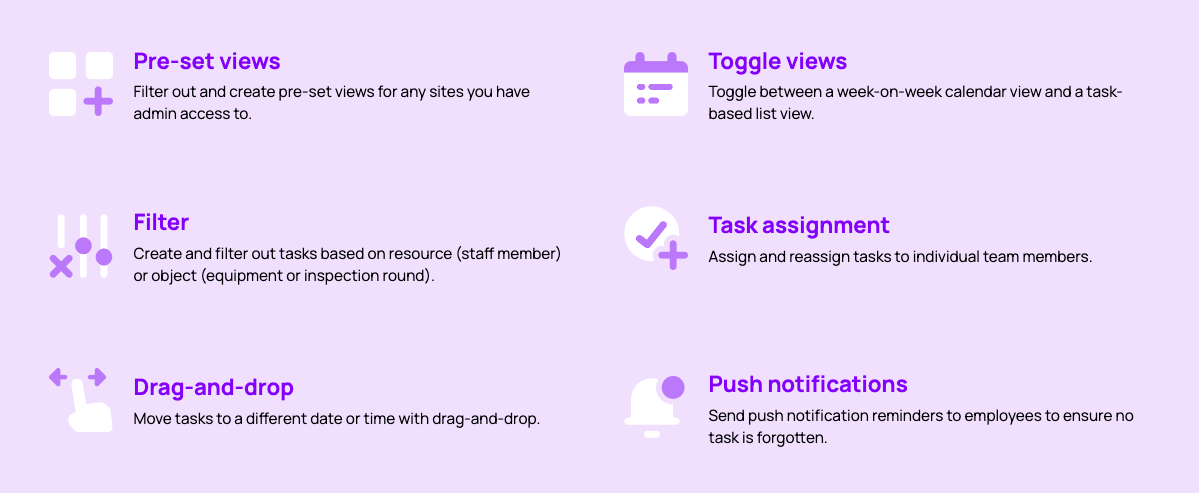
Calendar
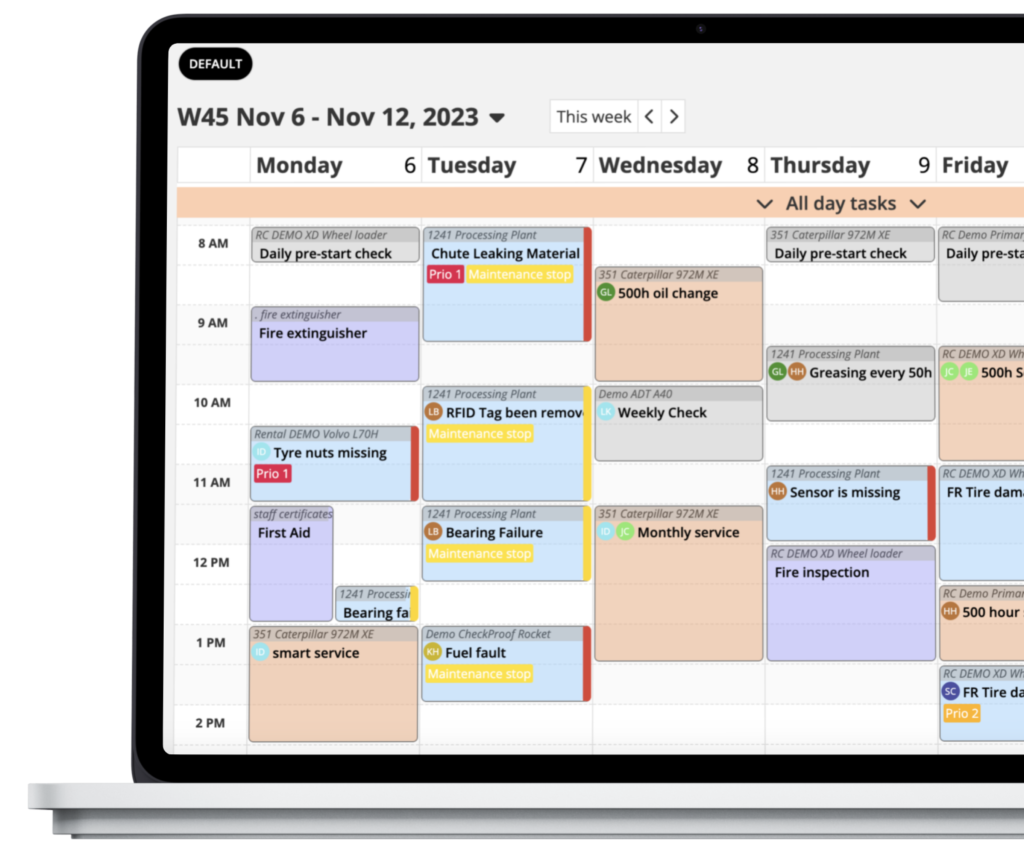
You can switch to a calendar lay-out to visualize all tasks in a weekly view (more views are planned).
The calendar allows for drag and drop to adjust the due values of all tasks, and all
unplanned or overdue tasks also appear in the list below the time-table. These can
also be dragged and dropped into the calendar above.
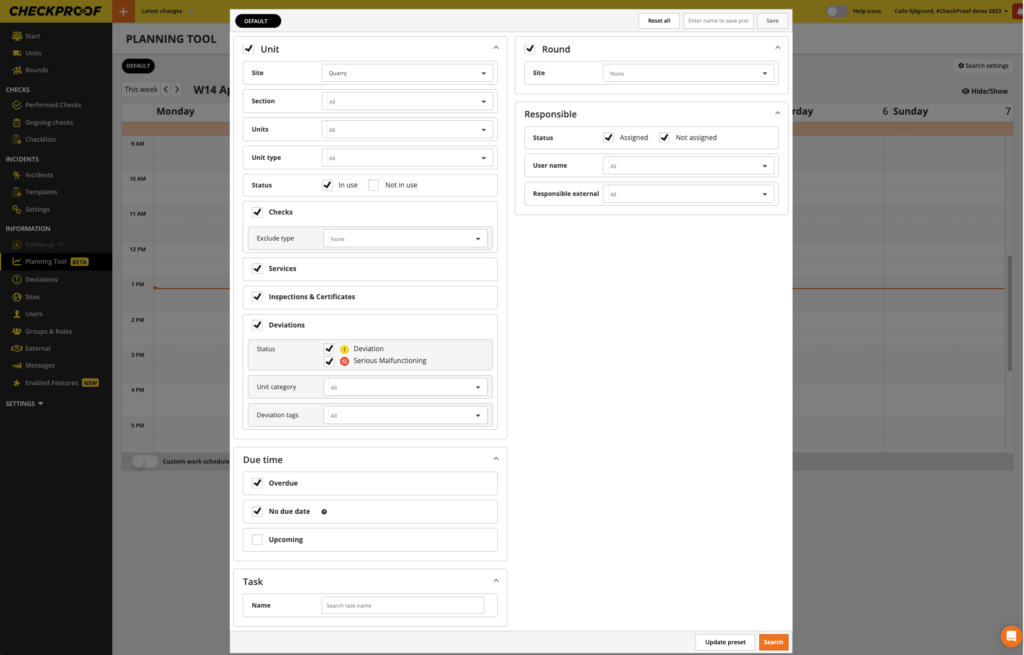
If you want to filter this list, or include upcoming tasks, you can open the search
settings pop-up to adjust your search.
All different search set-ups can be saved into pre-sets for ease of use.
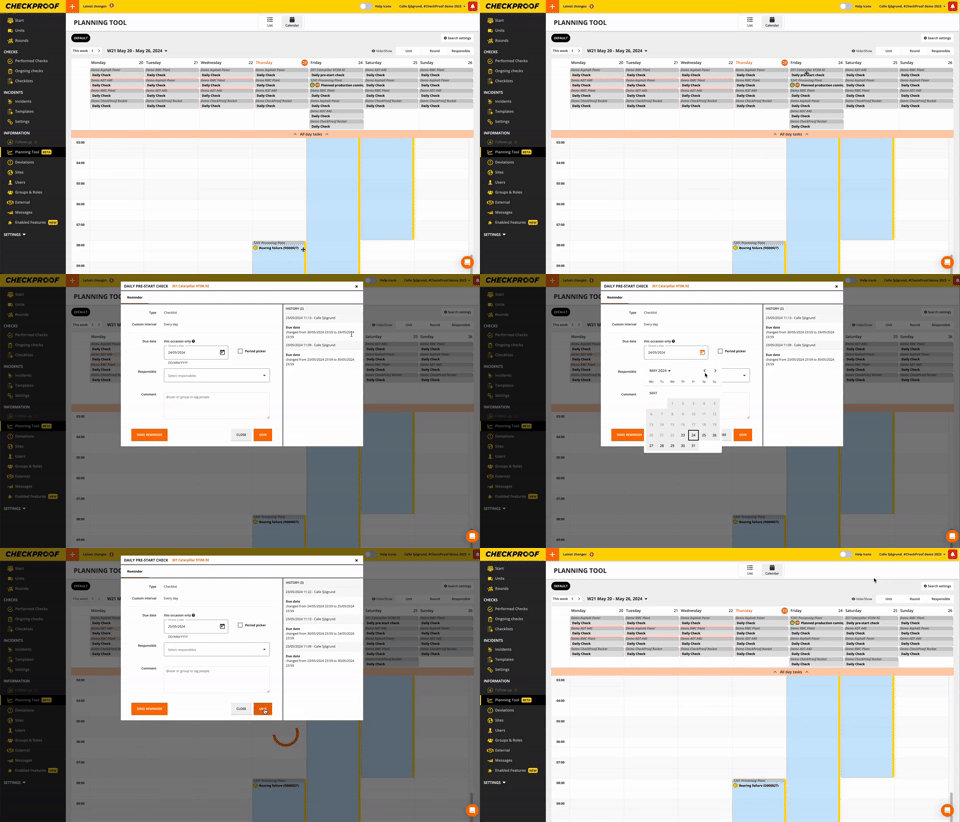
Clicking on a task-card in the calendar opens a small window where we list some
extra information, and a button to open the edit pop-up.
When editing a task, there’s also a history section where any edits made are logged.
You can also add comments and tag users which will notify them. This functionality is also available in the app.
Great! Now you know how to use the Planning Tool function.

