
List
Planning Tool allows for precise planning of all tasks within CheckProof. With a dragand-drop interface, you can easily ensure all employees have the correct Schedule by
re-assigning, or correcting when something should be done. Let’s see how it works!
List
Here you will have a walkthrough on how Planning Tools “List – View” works!
1
Apply your search settings
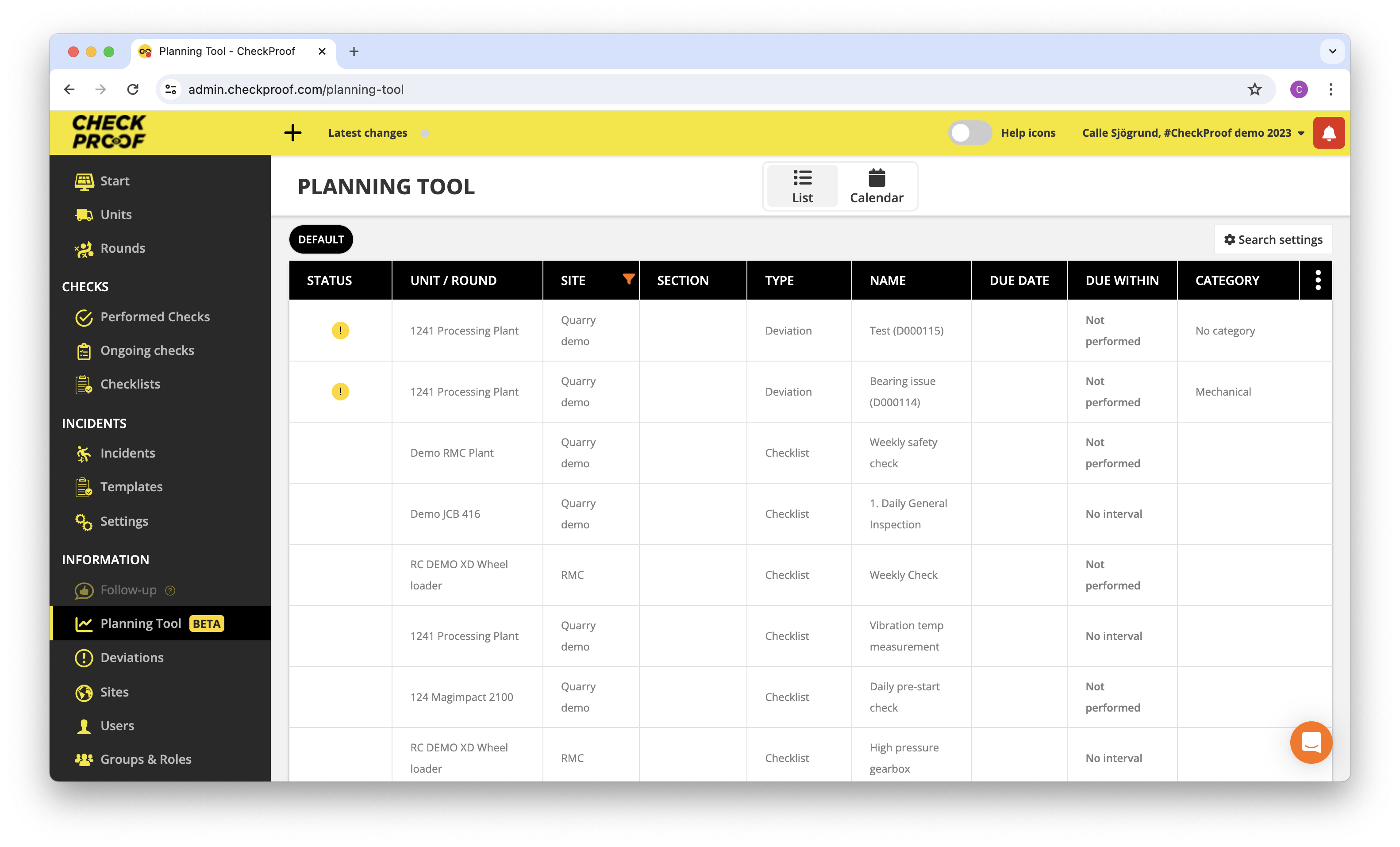
Click on “Search Settings” in the top right corner.
2
Choose Site & Units/Rounds
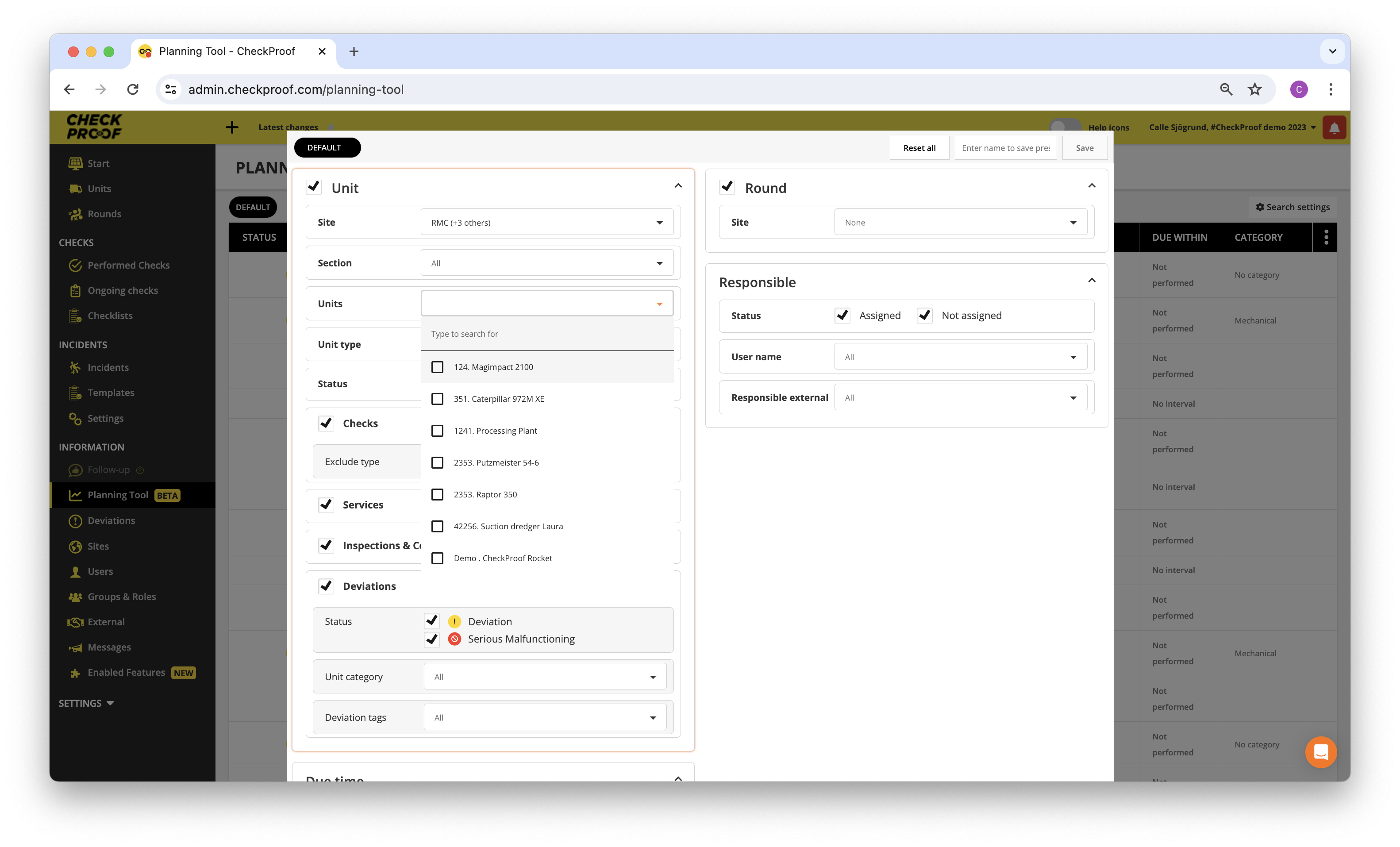
Choose the Sites and Unit/Rounds that you want to see.
Once you’ve applied your search settings , click on “Search”.
3
List View
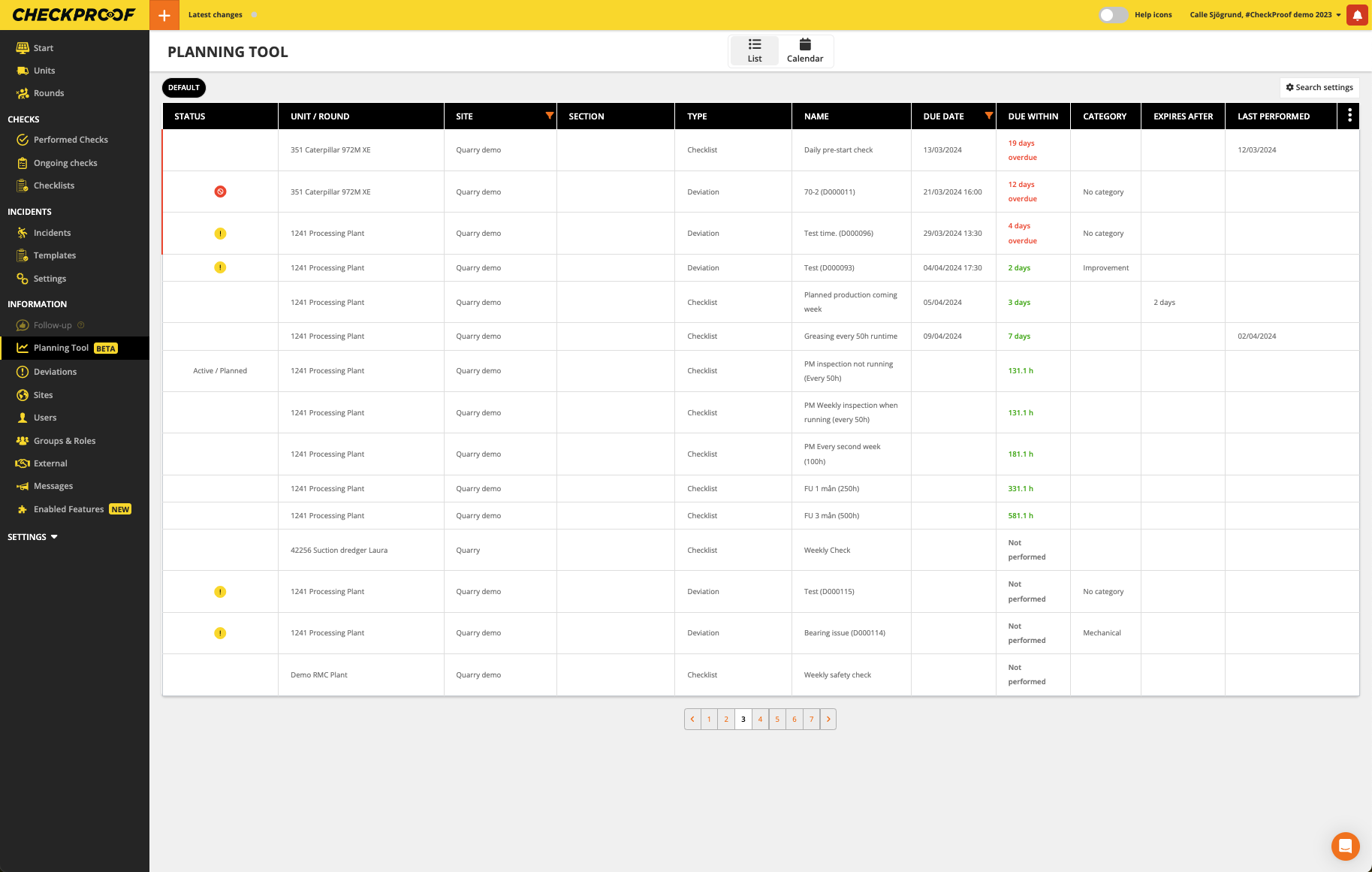
In the list view, you will be able to see all the due dates on the upcoming checks, but also for how long a deviation has been overdue.
4
Plan a Check
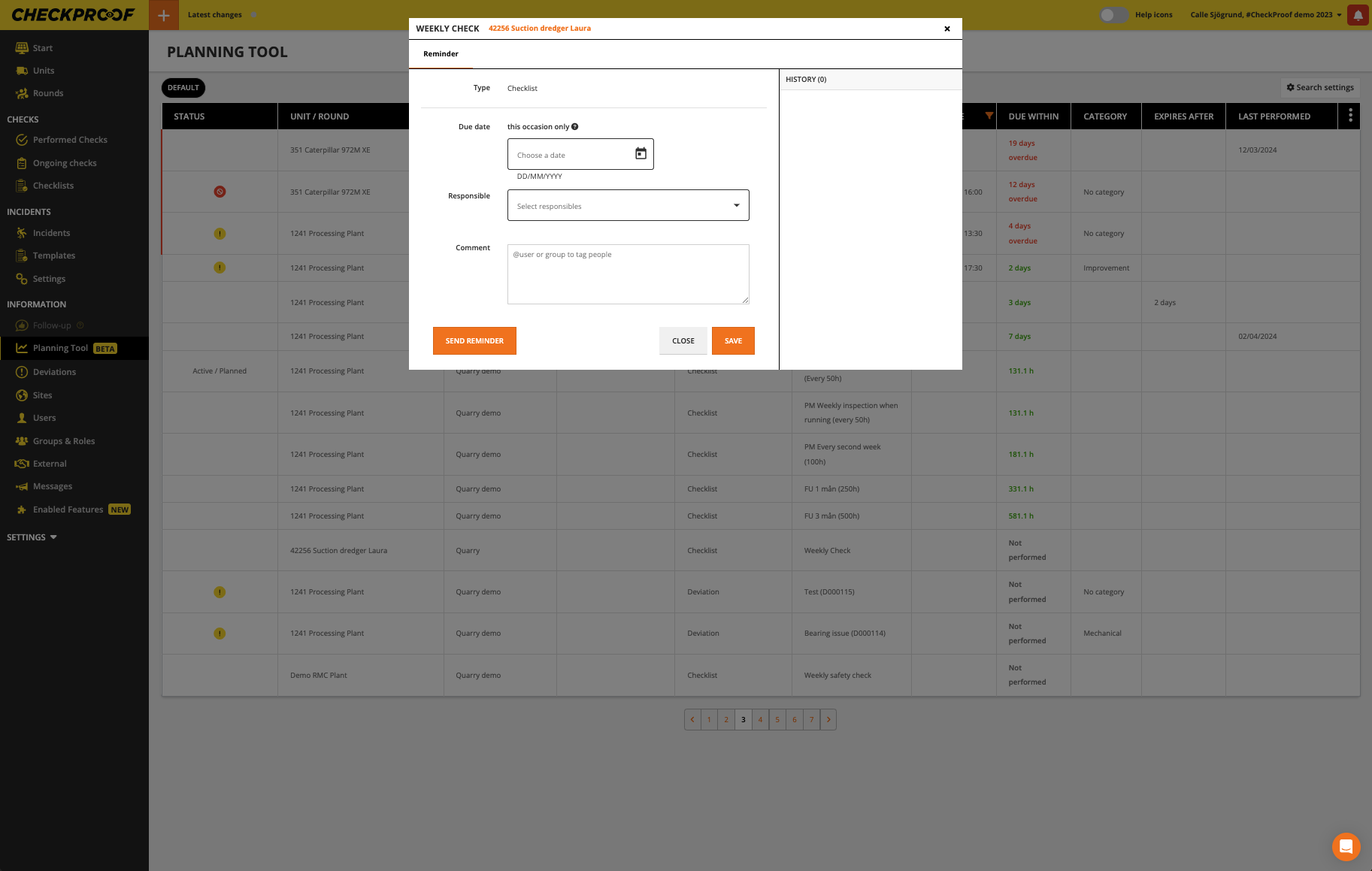
If you click on a Check, you will be able to plan it
Great! Now you know how to plan a check.
Continue to learn about how the “Calendar” works

