Pausing and Resuming a Check
With CheckProof you can always pause and resume a check you have already started whenever you need.
Occasionally, you may need to pause the check you are performing.
This may happen because the check requires some time in between, or because it can’t be completed yet.
A paused check can also be resumed by other members of your team that have access to the same sites.
Let’s see how this is done!
Pause your check
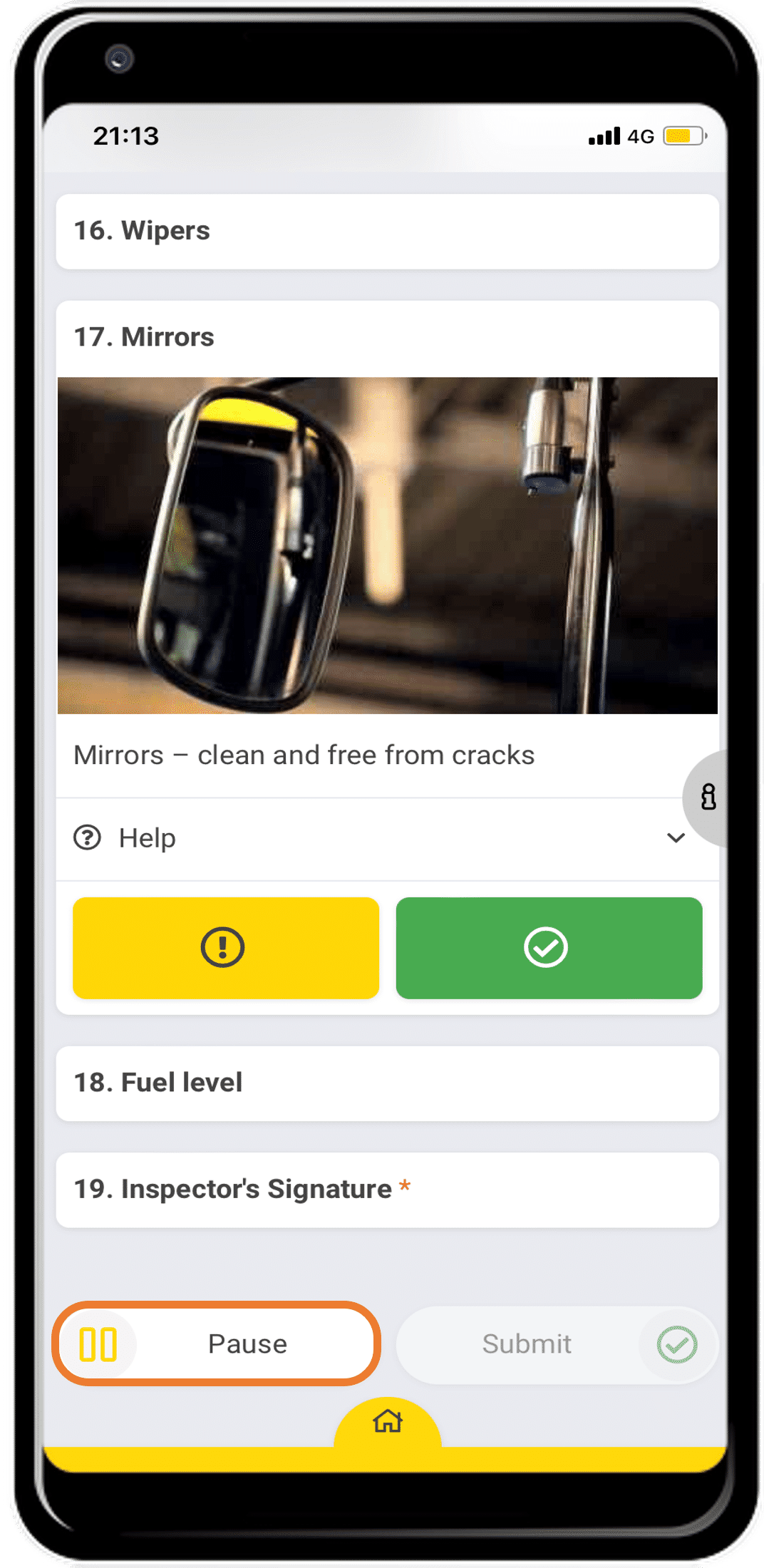
To pause the check you are performing from the “Standard” view, scroll down and click “Pause”.
Access the paused check
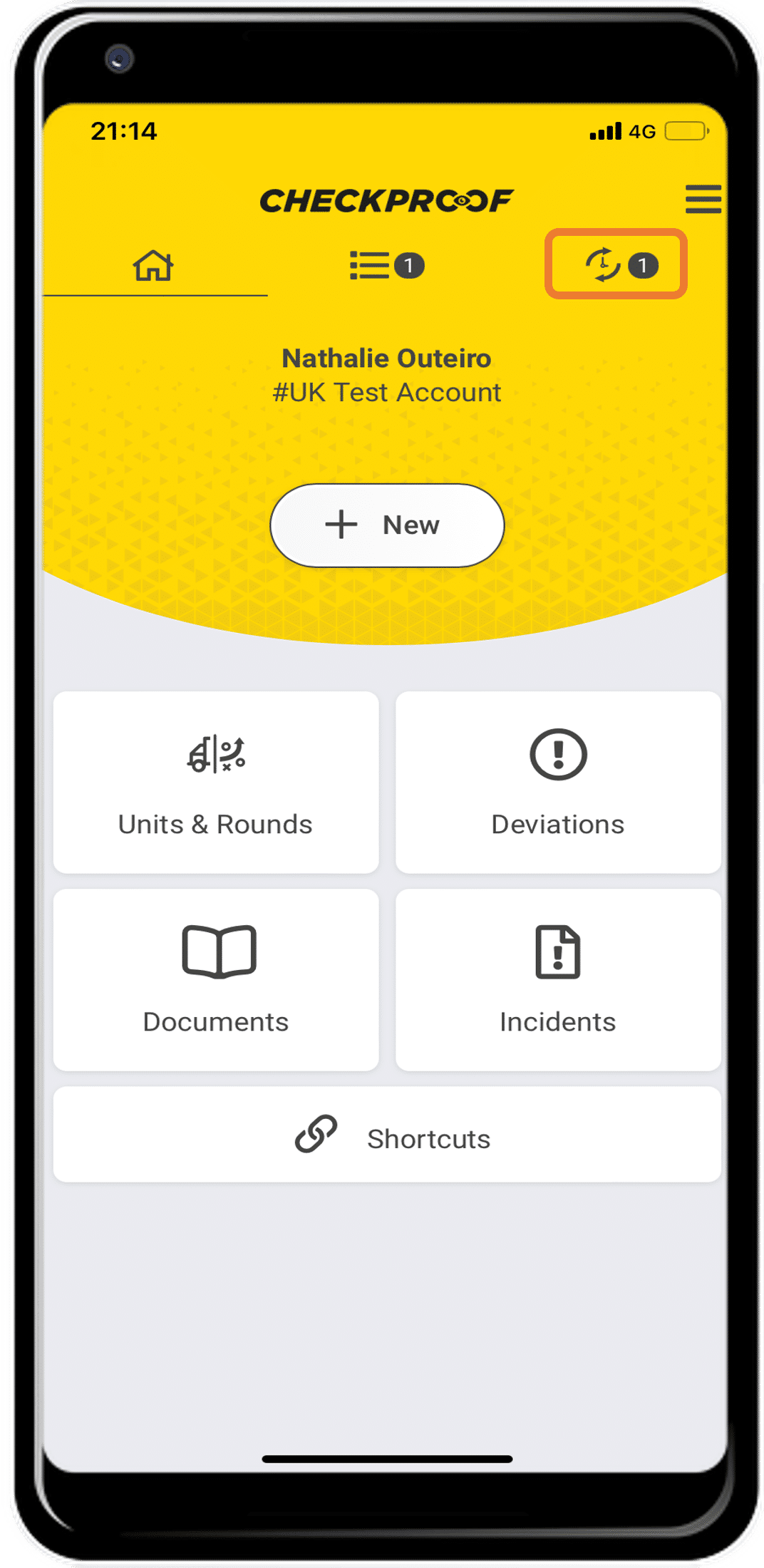
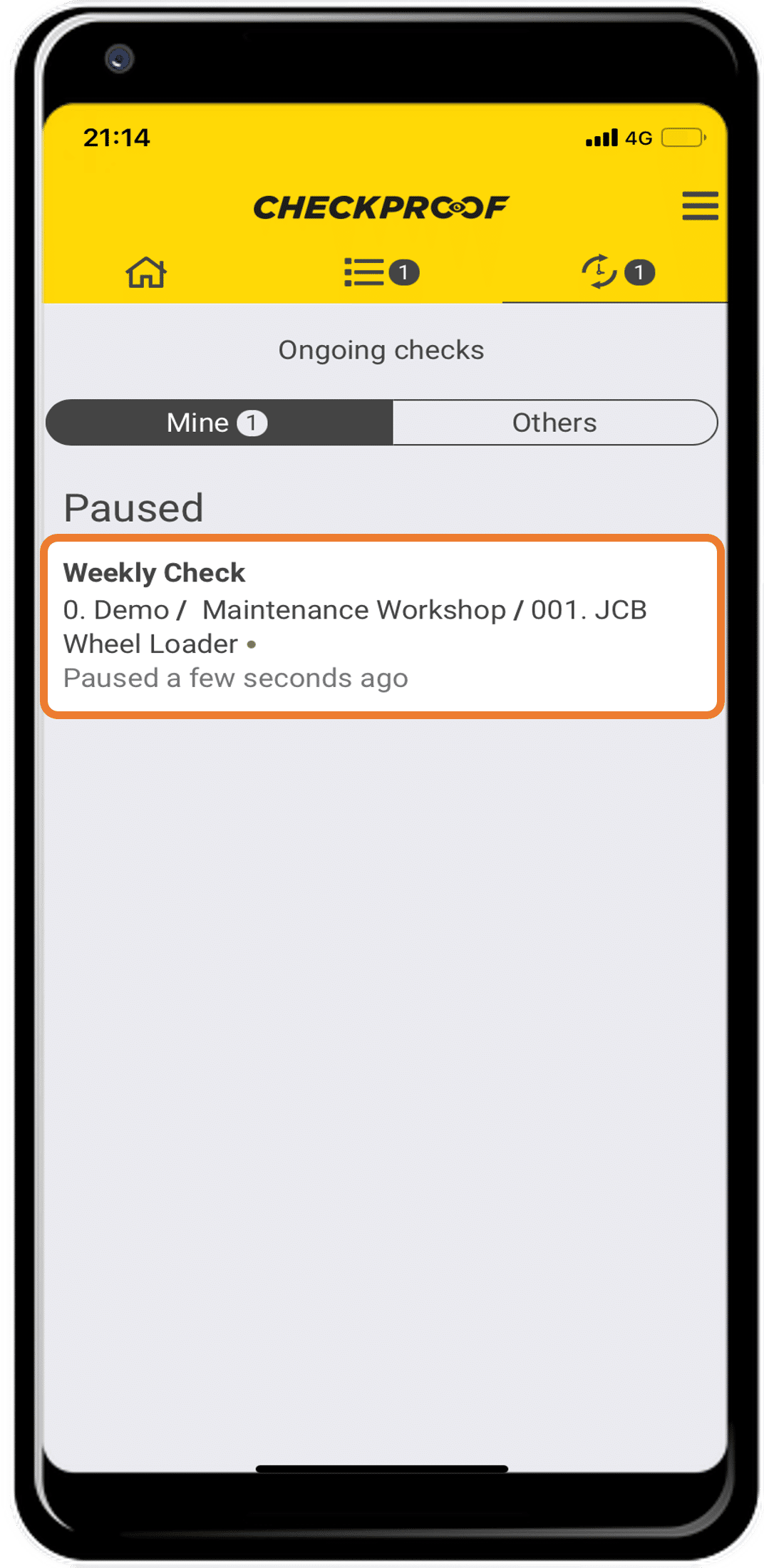
The check will be saved in the ongoing section of the main menu. Click on the ongoing icon to open it.
Select the check
Select the check that you want to start again. You may have several ongoing checks here.
If you select “Others” you will be able to see all checks and not only those that are assigned to you.
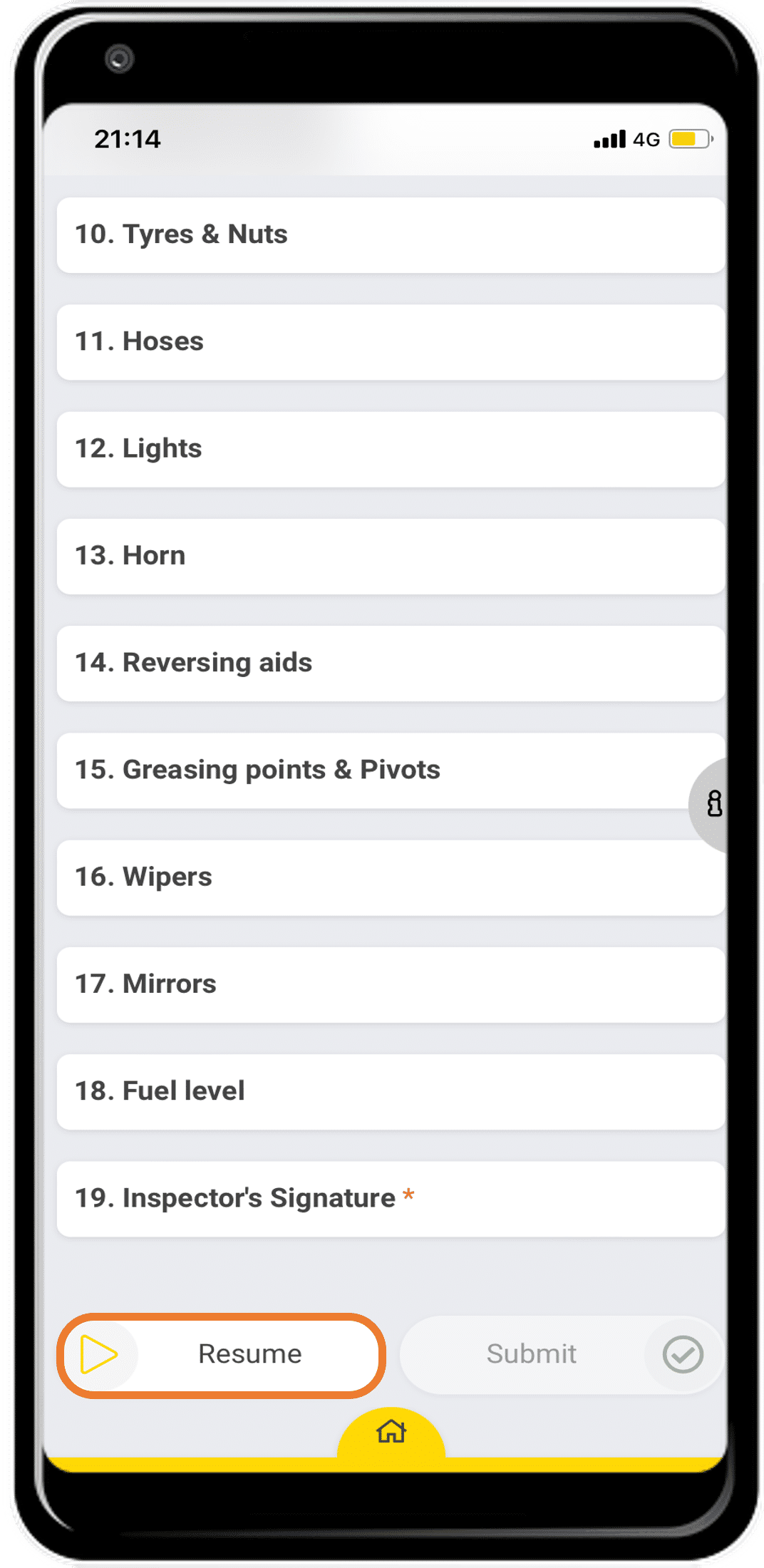
Resume your check
Click on “Resume” to resume your check. The check will start again from where you last paused it.
Remember that other members of your team that have access to the same sites can resume a paused check.