Going Offline
By going offline with the CheckProof app, you can still perform your checks, report deviations, even if you are at the end of the world.
There may be some occasions when you are in remote locations or underground where internet access is limited or not available at all.
1
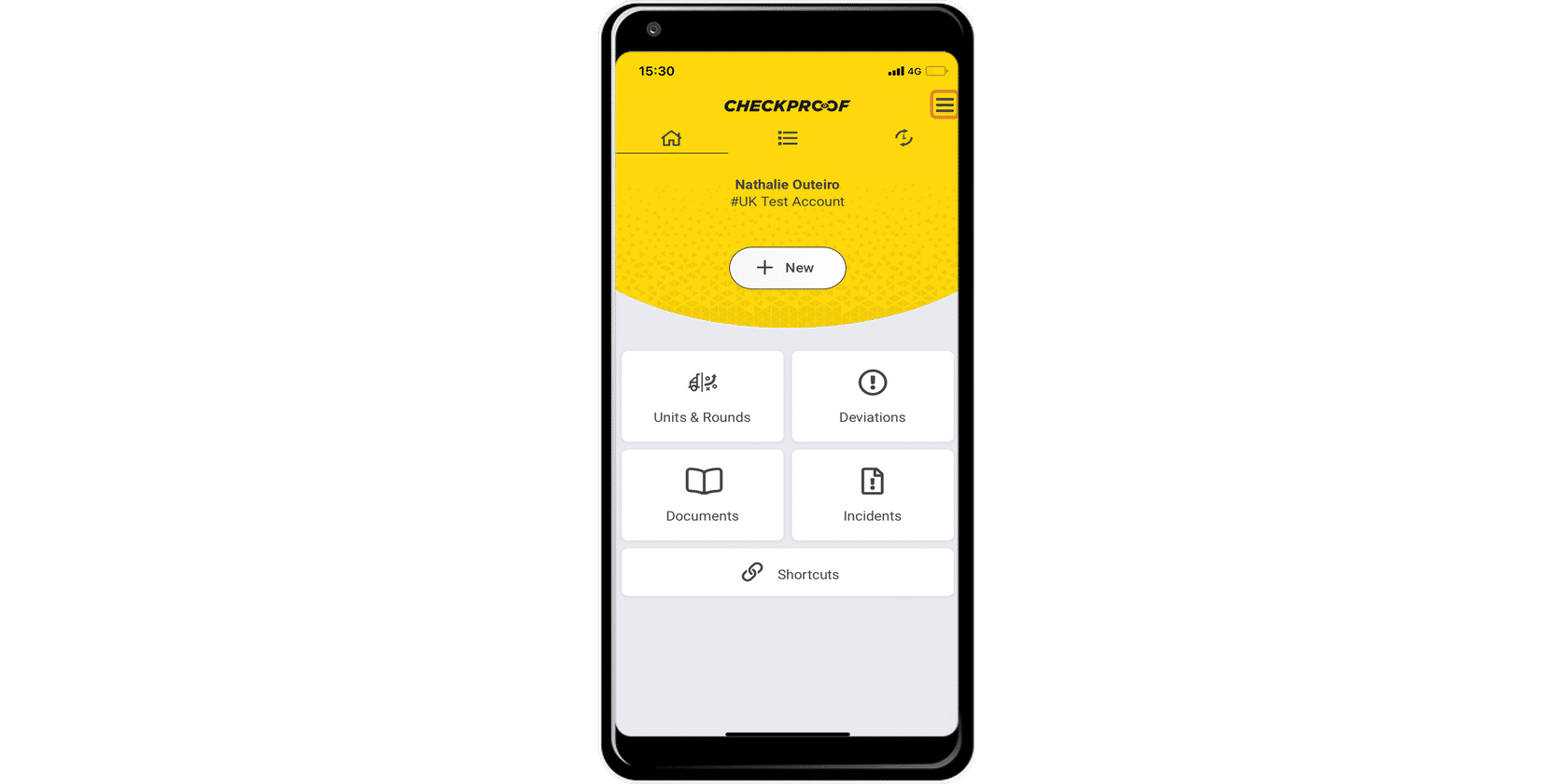
Click on the menu icon in the top-right corner of the homepage screen of the CheckProof app.
2
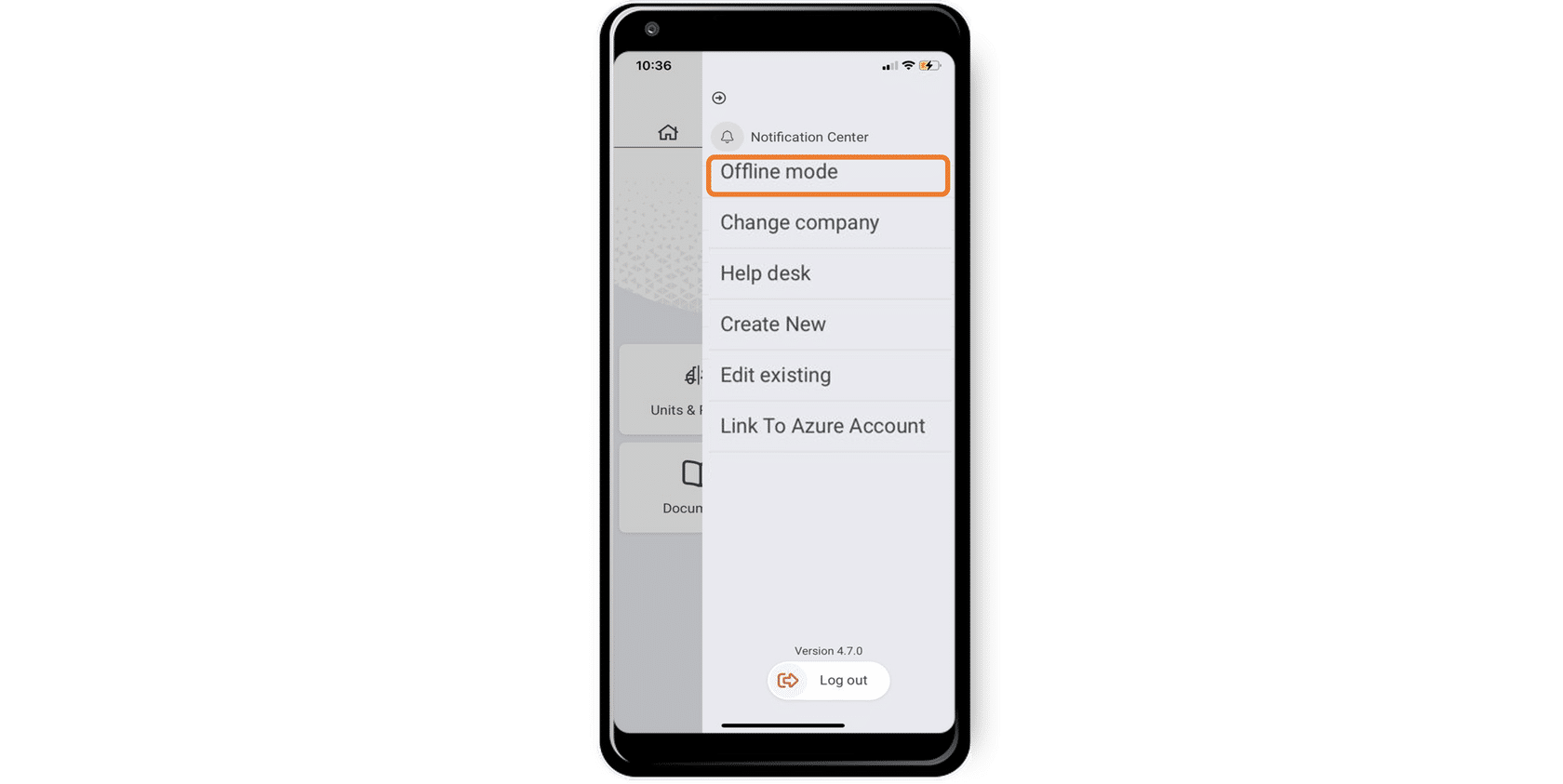
2. Select the “Offline Mode”.
3
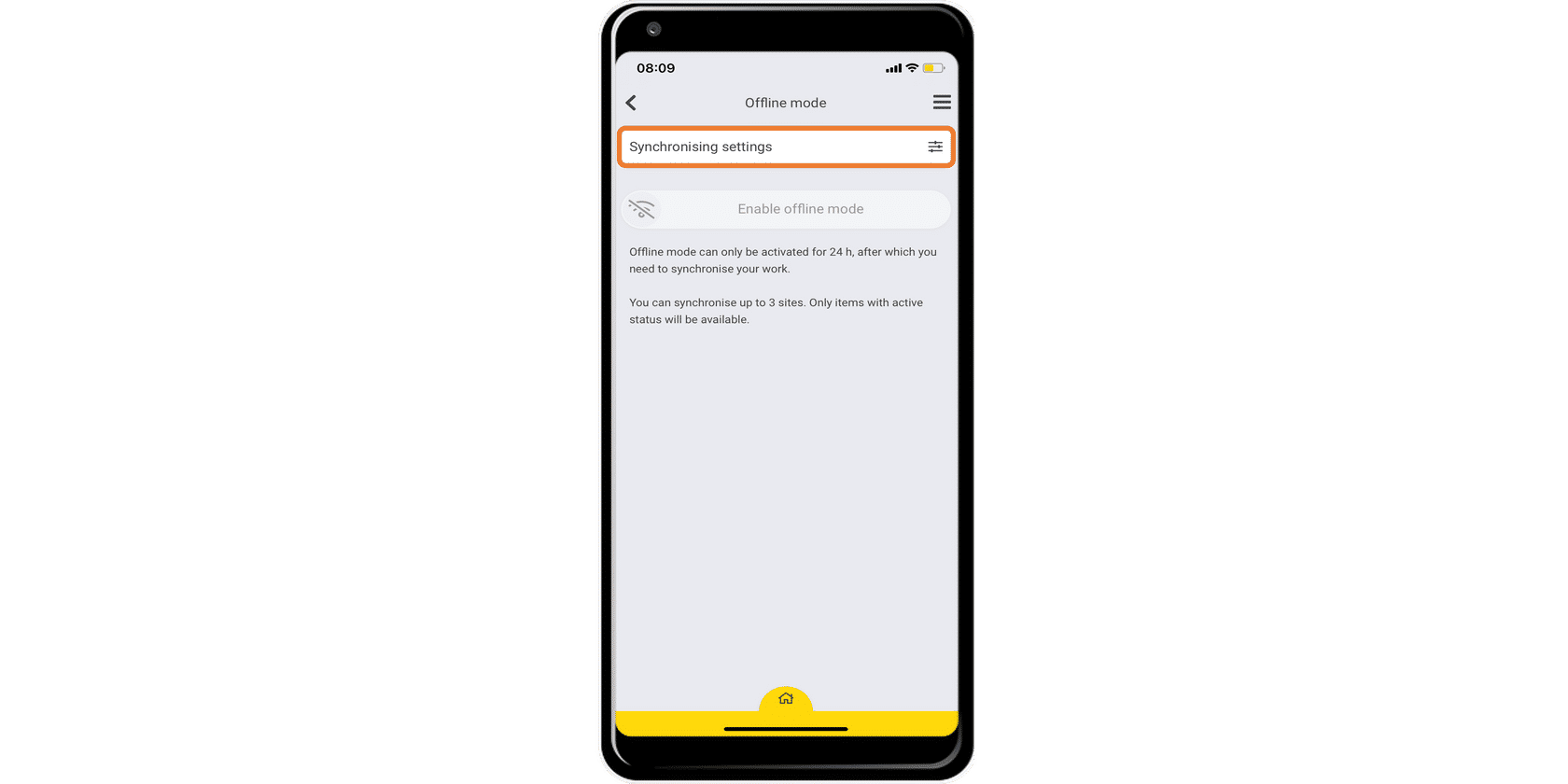
3. Click on “Synchronising Settings”.
4
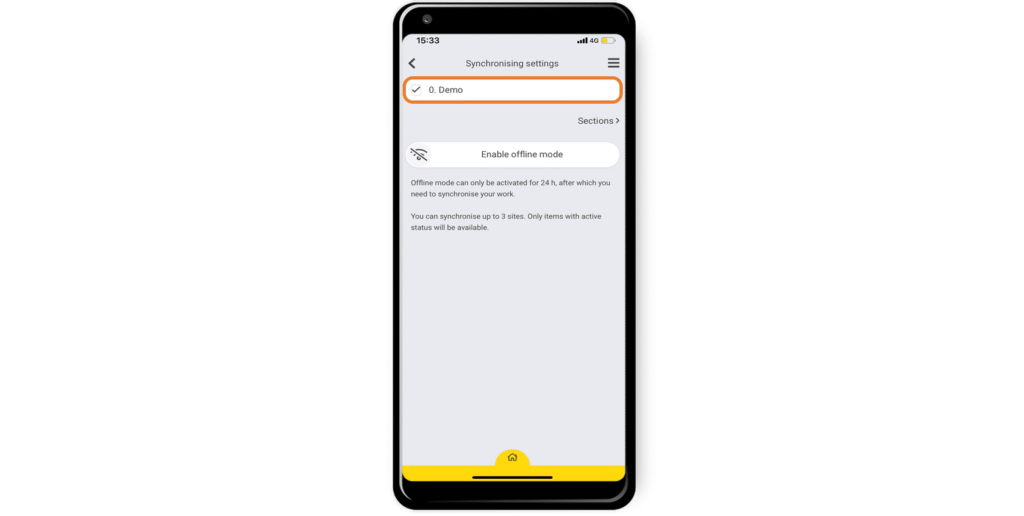
4. Select which sites and/or sections you want to have available offline by checking the box next to the item on the list.
5
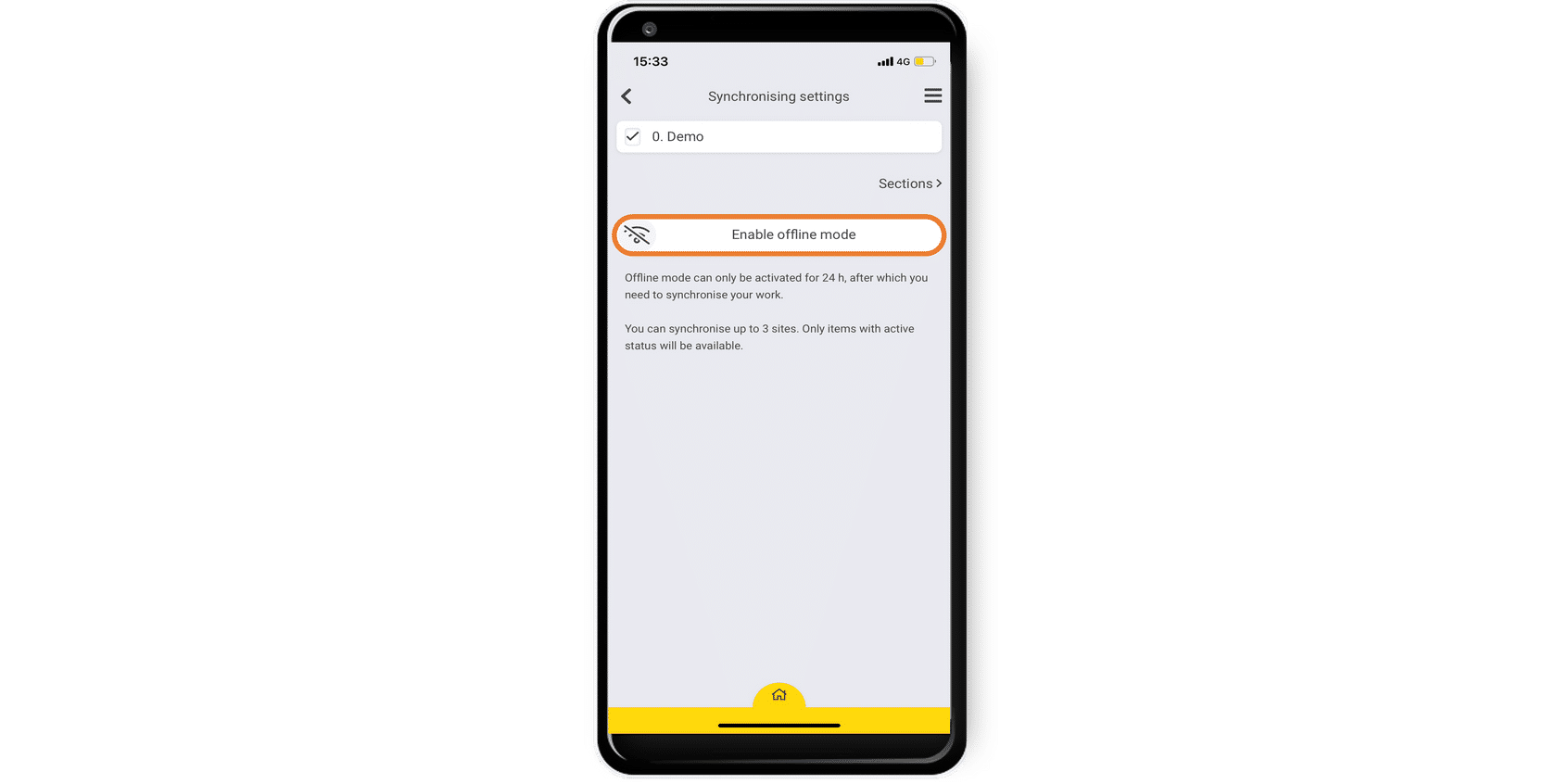
5. Click on “Enable Offline Mode”.
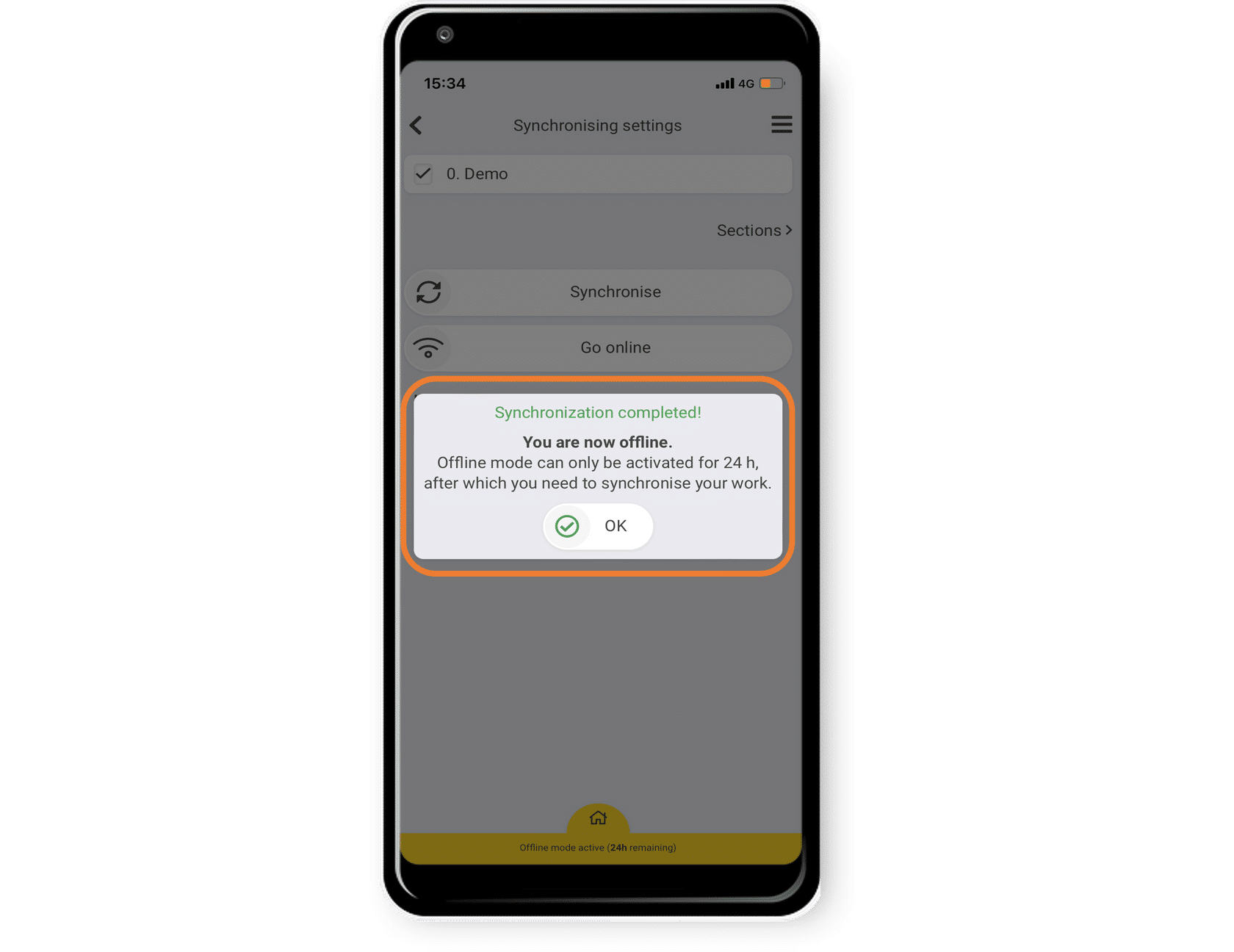
This action will download the selected checklist on your mobile device and it will now be accessible in the offline mode.
It will also download previously performed activities, such as deviations and performed checks.
Remember that the offline mode, by default, is only activated for 24 hours but can be extended up to 7 days if needed. You need to synchronize your work within the set time limit, otherwise, you will not be able to continue using the app.